Logitech Review: Is It Worth Buying?
Read our Logitech review to explore the best mice, keyboards, webcams and gaming accessories, compare the pros and cons, and decide if Logitech is worth buying.
By Joseph White
Published Oct 21, 2026
Choosing the right computer accessories can make a noticeable difference to your everyday experience, whether you work from home, play games, attend online meetings or simply use your computer for browsing. Logitech is one of the best-known brands in this space, offering keyboards, mice, webcams, headsets, speakers and gaming equipment for different budgets.
But with so many alternatives available, is Logitech actually worth buying? The answer depends on what you need, how often you use your devices and how much you want to spend.
In this Logitech review, we'll explore the brand's product range, key advantages, potential drawbacks and the products worth considering before making a purchase.
What Is Logitech?
Logitech is a technology brand known for designing computer peripherals and accessories for everyday users, professionals and gamers. Its products are available through its official website and a wide range of online and physical retailers.
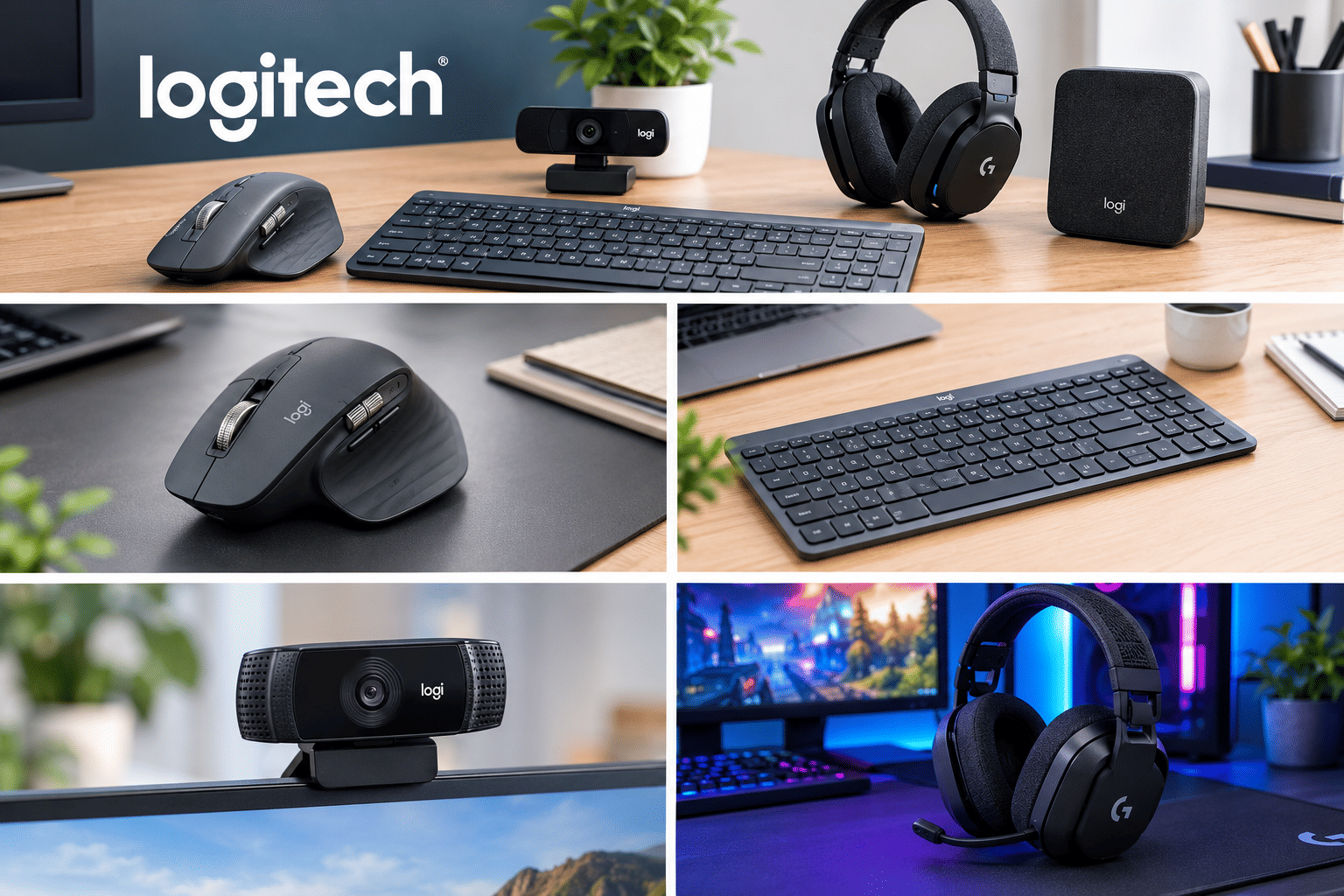
The company offers several product categories, including wireless mice, mechanical keyboards, webcams, headphones, gaming controllers and conference-room equipment.
One of Logitech's biggest strengths is its variety. Whether you need a basic mouse for everyday tasks or a feature-rich gaming keyboard, you can find products designed for different preferences and price ranges.
Top Logitech Products Worth Considering
1. Logitech MX Master 3S
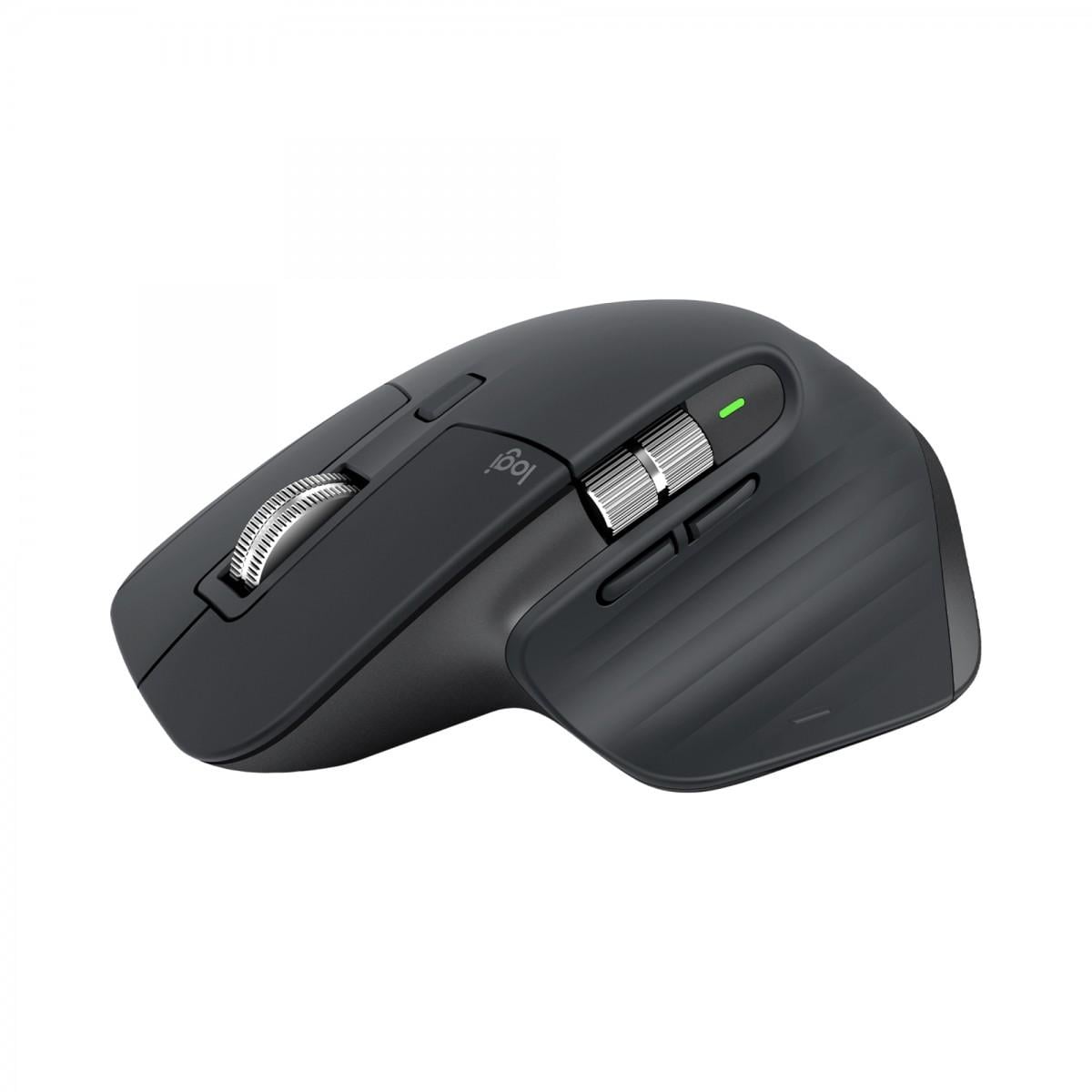
The Logitech MX Master 3S is a premium wireless mouse designed for productivity. It is particularly appealing to people who spend long hours working with documents, spreadsheets, design software or multiple applications.
Its features include a high-precision sensor, customisable buttons, a scroll wheel designed for fast navigation and support for connecting to multiple computers.
Best for: Professionals, multitaskers and people who want a productivity-focused mouse.
Why consider it: Its ergonomic design and customisable controls can make repetitive tasks more convenient.
The main drawback is its price compared with basic wireless mice. If you only need a mouse for occasional browsing, a more affordable model may be sufficient.
2. Logitech MX Keys S
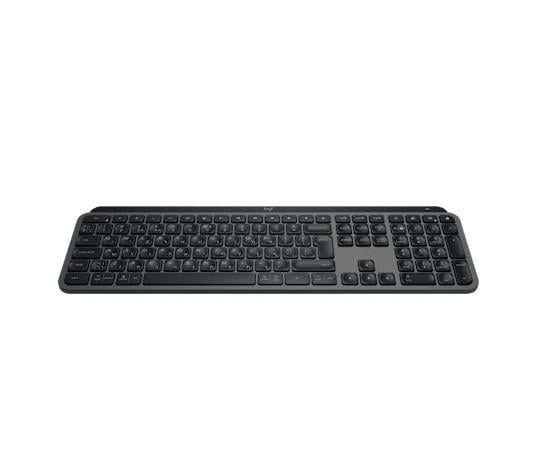
The MX Keys S is a wireless keyboard designed for comfortable everyday typing and productivity.
It features low-profile keys, backlighting and the ability to connect to compatible devices. Its full-size layout is suitable for people who regularly type emails, prepare reports or work with spreadsheets.
Best for: Office workers, writers and remote professionals.
Why consider it: The comfortable typing experience and productivity-focused features make it an attractive option for a home-office setup.
However, users who prefer mechanical switches, louder key feedback or a compact gaming keyboard may prefer a different model.
3. Logitech G Pro X Superlight
For gamers, the Logitech G Pro X Superlight is a lightweight wireless mouse designed for competitive play.
Its lightweight construction and gaming-focused sensor make it particularly suitable for fast movements and precise control in supported games.
Best for: Competitive gamers and players who prefer lightweight mice.
Why consider it: It prioritises low weight and responsive tracking without unnecessary design elements.
Its premium pricing may be difficult to justify for casual gaming, especially when less expensive gaming mice already offer plenty of functionality.
4. Logitech C920 HD Pro Webcam
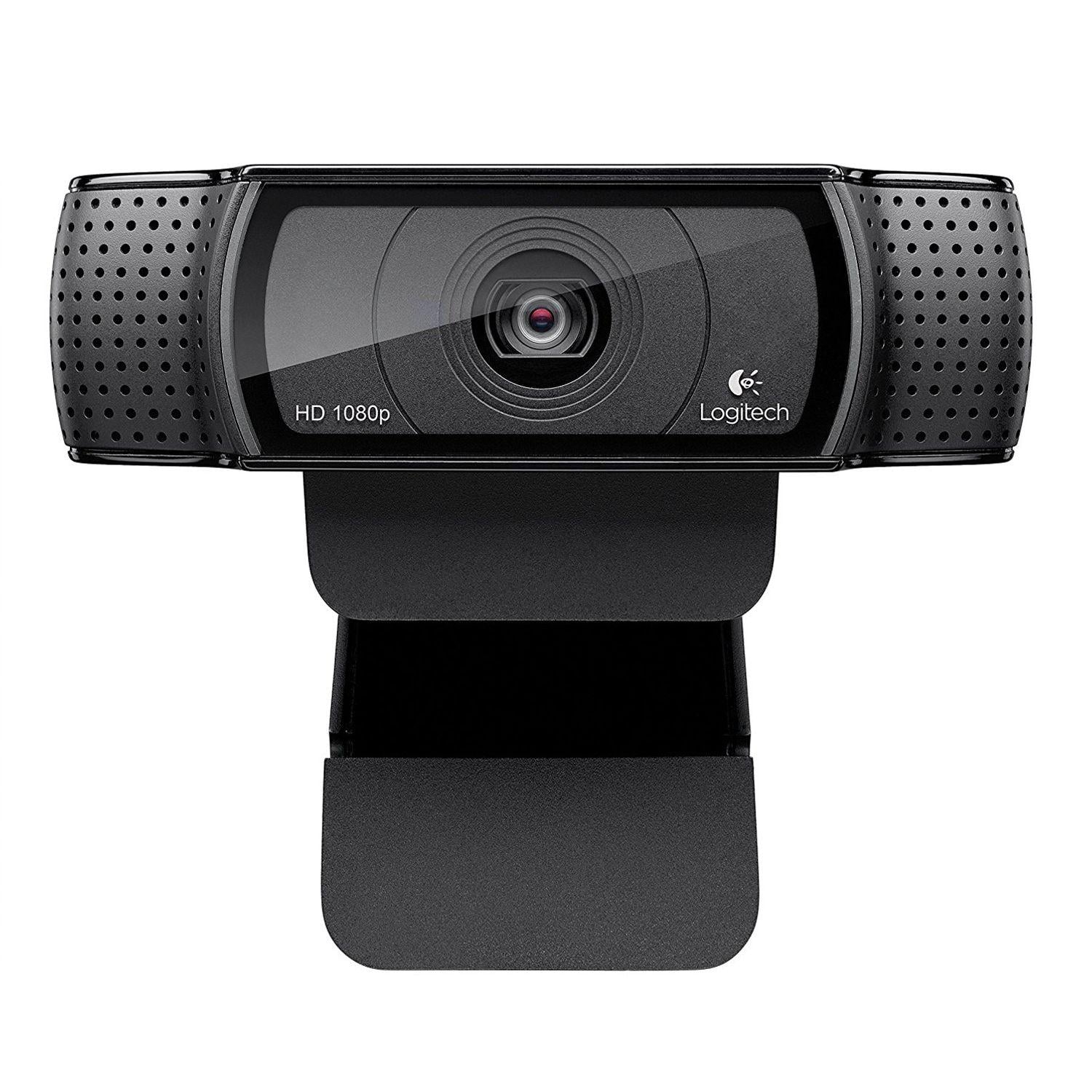
The Logitech C920 HD Pro Webcam is a familiar option for video calls, online meetings and basic content creation.
It supports Full HD 1080p video and is designed to provide a straightforward upgrade over many built-in laptop cameras.
Best for: Students, remote workers and people attending frequent video calls.
Why consider it: It offers a practical combination of image quality, ease of use and compatibility with common video-calling setups.
If you regularly record professional videos or stream in demanding lighting conditions, you may want a newer webcam with more advanced image controls.
5. Logitech G435 Wireless Gaming Headset
The Logitech G435 is a lightweight wireless headset designed for gaming and everyday entertainment.
Depending on the compatible device and connection method, it supports wireless connectivity and is intended for users who want a headset without a bulky design.
Best for: Casual gamers and users looking for a lightweight headset.
Why consider it: Its emphasis on comfort and wireless convenience makes it suitable for longer gaming sessions.
Before buying, check compatibility with your gaming platform and whether its microphone and sound features meet your needs.
What Makes Logitech Worth Buying?
A Wide Range of Products
Logitech caters to several types of users. Its product range includes affordable accessories for basic computer use and more advanced equipment for professionals and gamers.
This makes it easier to build a complete workstation or gaming setup around products from the same brand.
Wireless Convenience
Many Logitech products support wireless connectivity, reducing cable clutter on desks and making accessories easier to move between compatible devices.
Depending on the model, connections may use Bluetooth, a USB receiver or both.
Productivity Features
Some of Logitech's premium devices include programmable buttons, multi-device connectivity, customisable controls and companion software.
These features can be particularly useful if you switch between computers or regularly perform repetitive tasks.
Options for Different Budgets
Logitech sells products at different price points. You don't necessarily need to buy a flagship device to get a useful keyboard, mouse or webcam.
The key is to choose a product based on the features you'll genuinely use rather than paying extra for specifications you don't need.
What Are the Downsides?
Although Logitech has a broad product range, it isn't the perfect choice for everyone.
Premium products can be expensive. Higher-end productivity mice and gaming accessories can cost considerably more than basic alternatives.
Features vary by model. Not every Logitech product supports the same software, connectivity options or customisation features.
Software may not suit everyone. Some advanced functions depend on compatible software, and users who prefer simple plug-and-play accessories may not need these extras.
Competitors offer strong alternatives. Brands such as Razer, Corsair, SteelSeries and Keychron compete in various categories, so comparing individual products is more useful than relying on brand reputation alone.
Is Logitech Better Than Its Competitors?
Logitech is a strong all-round choice, but the best brand depends on the product category.
For office productivity: Logitech's MX series is worth considering for its customisation and multi-device features.
For competitive gaming: Logitech G, Razer and SteelSeries offer gaming-focused mice, keyboards and headsets.
For mechanical keyboards: Keychron is another option for buyers who value switch choices and customisation.
For video calls: Logitech webcams are worth comparing with models from other established camera and computer-accessory brands.
Rather than choosing a brand based on popularity alone, compare comfort, performance, compatibility, warranty and total price.
Where to Buy Logitech Products
You can browse Logitech products through its official website or authorised retailers. Buying from a reputable seller is particularly important for checking warranty coverage and avoiding counterfeit accessories.
Visit the official website: Logitech
For product specifications, the official pages for the MX Master 3S and MX Keys S provide detailed information about their features.
Final Verdict: Is Logitech Worth Buying?
Yes, Logitech is worth considering if you want reliable computer accessories with a broad choice of features and prices.
Its strongest appeal is the range of products available for different needs. The MX series suits productivity-focused users, Logitech G caters to gamers, and its webcams and everyday peripherals are useful for home and office setups.
However, not every product offers the same value. Premium accessories can be expensive, and competing brands may provide better features for a particular budget.
Our recommendation is to identify your main requirement first, compare a few models and choose the product that delivers the best balance of performance, comfort and price.
For people building a new workstation or upgrading their gaming setup, Logitech is a brand worth putting on the shortlist.
Write a comment
Comments
No Comments Yet